How To Enter a Lead
Abstract
Leads are distributed to the sales force, and can be used to converted to Customers in ERPNext, making Customer as simple as clicking a button and looking over the Customer document for mistakes.
Info
Leads cover more than just sales leads. For example, they can also be used to manage Grocery Chain leads.
Warning
Any comments posted to a lead that has been shared with sales is visible to sales. Do not post sensitive information in comments! Instead, post them in the Internal Notes field.
Instructions
- Start a new Lead Document.
- Fill out the form as described below, ignoring any sections or fields that are not listed.
- Click the blue "Save" button in the upper-right corner above the form. The page will refresh and the new Lead Document will load.
Lead Form
Fields marked with an aserisk (*) are required, but all fields should be filled out if possible.
Top Section
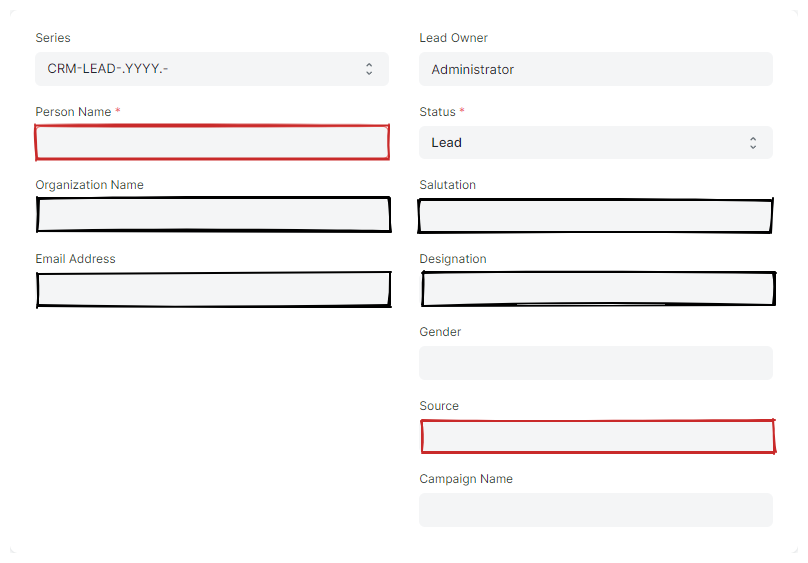
- Person Name*
- Enter the contact's name.
- Organization Name
- Enter the organization's name.
- Email Address
- Enter the contact's email address.
- Salutation
- Select the contact's salutation if known.
- Designation
- Select the contact's designation if known.
- Source
- Select where the Lead heard about us.
Notes Section
- Notes
- Enter additional information about the Lead.
Safe
The Internal Notes field is hidden from sales and is desgined as a safe place to store information that sales should not be privy to.
- Internal Notes
- Enter additional information that should not be shared with sales here.

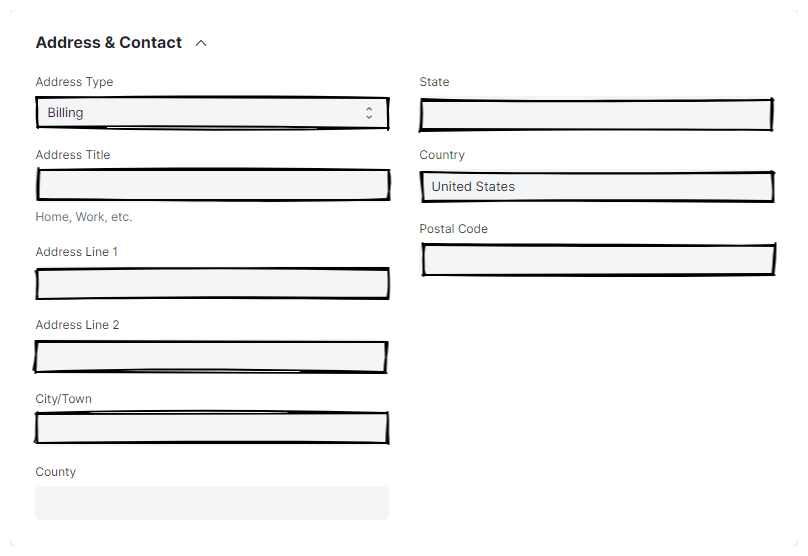
Address & Contact Section
Fill in all fields in this section as appropriate.
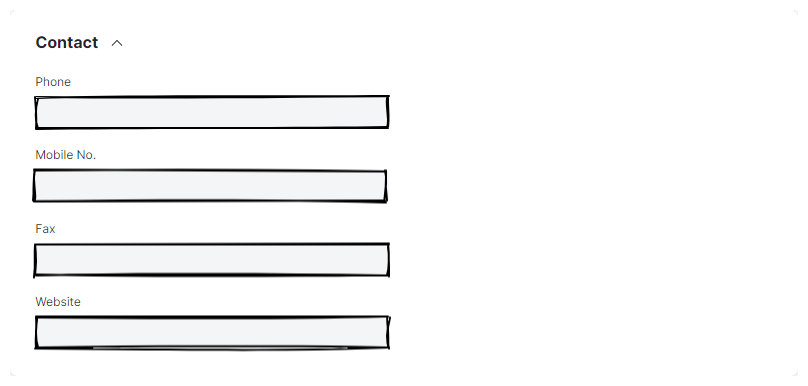
Contact Section
Fill in all fields in this section as appropriate.
More Information Section
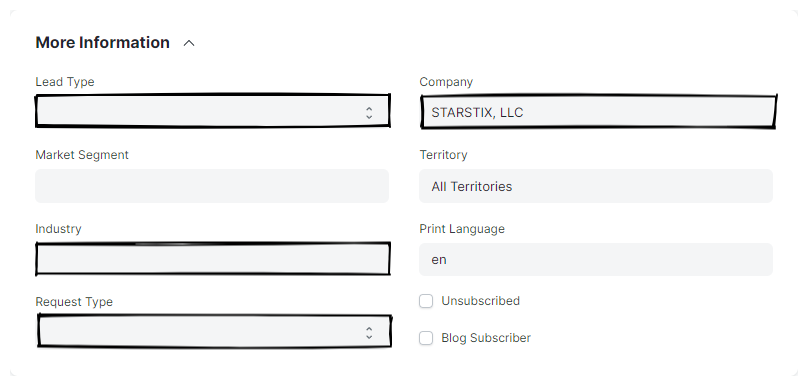
- Lead Types
- Select the type of Lead - e.g. Advertiser, Market Relations, etc. Most leads will be Advertisers.
- Industry
- Select the Lead's industry, if known.
- Request Type
- Select type of request that led to the Lead creation.
- Company
- Select the appropriate Company for the lead.