How To Enter a Dividers Store Waiting List
Help
This Document is designed to track interest in a Dividers Store or location. Only one active Dividers Store Waiting List Document is allowed per interested party.
Tip
This Document can be started from either the related Dividers Store or Issue Doctypes. In either case, the related Link Field will be prefilled for you.
Instructions
- Fill out the form as described below, ignoring any sections or fields that are not listed.
- Click the blue "Save" button in the upper-right corner above the form.
Dividers Store Waiting List Form
Fields marked with an aserisk (*) are required, but all fields should be filled out if possible.
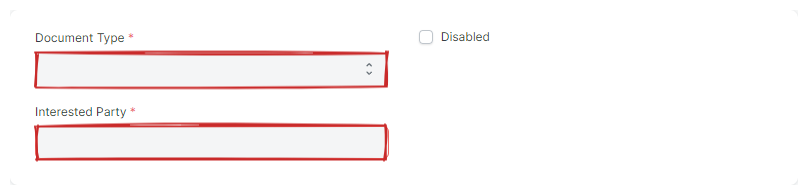
Top Section
- Document Type
- Select the Document Type of the Interested Party
- Interested Party
- Select the Document representing the person or group interested in the the Dividers Store.
Interests Section
- Stores
-
Used to track the stores the interested party has shown an interest in.
- Store
- Select the Dividers Store to put on the waiting list.
- Request Date
- Update the Request Date as appropriate. This field is used to determine priority in reporting.
- Locations
-
Used to track the locations the interested party has shown an interest in. Add rows and update the fields as appropriate.
- Request Date
- Update the Request Date as appropriate. This field is used to determine priority in reporting.

Details Section
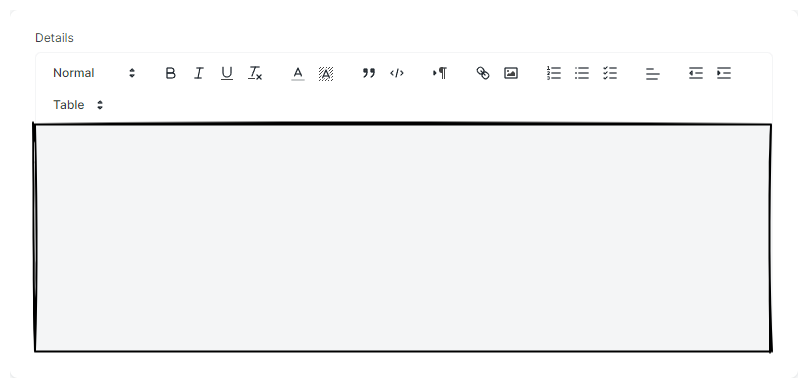
- Details
- Enter any details related to the intersted party's request.